Design circuits, write Python code, simulate GPIO, LCDs, LEDs, sensors, and IoT projects directly from your browser. Perfect for students, colleges, educators and makers.
No account needed — jump straight in.
Built for Students, Colleges, Educators and Electronics Enthusiasts
From drag-and-drop circuit design to Python programming and GPIO simulation, CircuitPi provides everything required to learn embedded electronics without physical hardware.
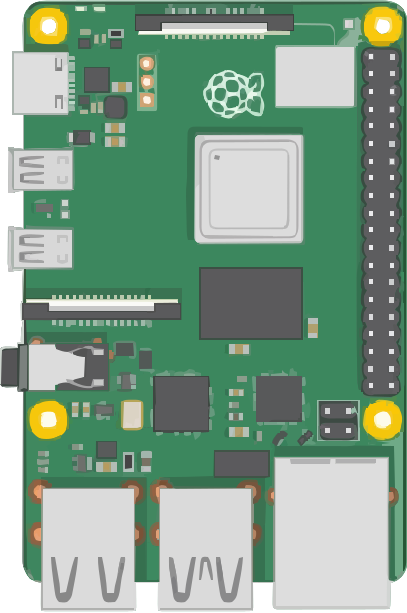
Simulate GPIO pins exactly like the real board, with digital input and output support.
Write, edit and execute Python directly in your browser. No installation required.
Add LEDs, buttons, LCDs, sensors, buzzers, resistors and much more with simple drag & drop.
Save your experiments online and continue learning from any device.
LEDs, RGB LEDs, LCD1602, Seven Segment Display, Buttons, Relays, Buzzers and many more.
Designed for engineering colleges, universities, schools and IoT training institutes.
Windows, Linux, macOS and Chromebook. Only a modern web browser is needed.
Learn embedded programming from anywhere without buying expensive development kits.
CircuitPi combines a modern Python editor with an interactive breadboard so students can instantly visualize how their code controls hardware.
Start with an empty workspace or choose a ready-made template.
Drag LEDs, LCDs, buttons, sensors and electronic components onto the breadboard.
Control GPIO pins using familiar Python syntax.
Execute the code instantly and observe the virtual hardware respond in real time.
No hardware setup. No SD card. No operating system installation. Just open your browser and start building.
Start Free TodayChoose a plan that fits your learning or institution.
Our hardware practical sessions became much easier because every student could practice at home.
Students no longer wait for hardware availability. Everyone learns simultaneously.
The simulator behaves surprisingly close to the real board.
No. Everything runs inside your web browser.
Yes. PiSimulator allows you to write and execute Python code directly in the browser.
Absolutely. It is designed specifically for educational institutions and IoT laboratories.
Yes. Every user can save projects securely in the cloud.
Start learning embedded electronics today, or reach us at hello@circuitpi.com.
Start Free